Multi-Site WordPress Security Centralized Dashboard Guide
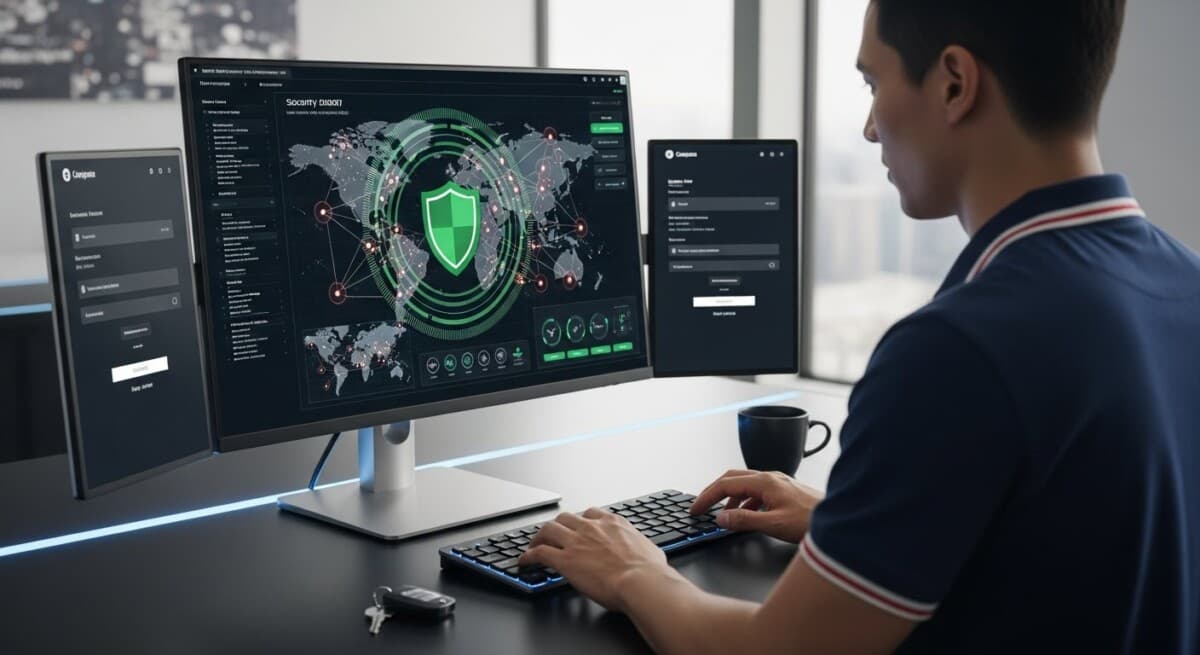
Managing security across multiple WordPress sites can feel like a losing battle. Each site requires updates, monitoring, and threat detection, and the complexity multiplies with every new installation. Without a centralized view, vulnerabilities slip through the cracks, leaving your network exposed. A multi-site WordPress security centralized dashboard solves this problem by giving you a single pane of glass to monitor, manage, and respond to threats across all your sites. This approach not only saves time but also strengthens your overall security posture.
Why Centralized Security Matters for WordPress Multisite Networks
Running a WordPress multisite network or managing multiple independent installations introduces unique security challenges. Each site represents a potential entry point for attackers. When you manage security site by site, you risk inconsistent policies, missed updates, and delayed responses to incidents. A centralized dashboard changes this dynamic by aggregating security data from every site into one interface.
Consider the alternative: logging into each site separately to check for malware, update plugins, and review user activity. This process is not only tedious but also prone to human error. A single overlooked site can compromise your entire network. With a centralized dashboard, you can enforce uniform security policies, receive real-time alerts, and take immediate action from one location. This reduces the attack surface and ensures no site falls behind.
For agencies and businesses scaling their content operations, the need for centralized security becomes even more critical. When you are generating and publishing content across dozens of sites using platforms like OrganicStack, you need the same level of oversight for security as you have for content production. A centralized dashboard aligns with the efficiency goals of your entire operation.
Key Features of a Multi-Site WordPress Security Dashboard
Not all security dashboards are created equal. To effectively protect a multi-site environment, your centralized dashboard should include several essential capabilities. These features work together to provide comprehensive visibility and control.
First, real-time monitoring is non-negotiable. You need to see security events as they happen, including login attempts, file changes, and suspicious activity. A dashboard that updates in real time allows you to react quickly to potential threats before they escalate.
Second, automated scanning and patching save you countless hours. The dashboard should scan all sites for malware, vulnerable plugins, and outdated themes. Ideally, it can apply security patches automatically or with a single click across your entire network. This eliminates the window of exposure between discovery and remediation.
Third, role-based access control is vital for teams. Not everyone managing your sites needs full administrative privileges. A centralized dashboard lets you define granular permissions, ensuring that each team member has only the access they need. This principle of least privilege reduces the risk of insider threats and accidental misconfigurations.
Fourth, detailed reporting and audit logs provide accountability. You should be able to generate reports on security incidents, user activity, and compliance status for any site or the entire network. These logs are invaluable for troubleshooting, audits, and demonstrating due diligence to clients or stakeholders.
Finally, integration with your existing workflow is crucial. The best security dashboards connect with tools you already use, such as content management platforms, analytics, and communication channels. For example, if you use OrganicStack to manage content across multiple sites, a security dashboard that integrates with that ecosystem streamlines your operations even further.
Automation and Alerting in a Centralized System
Automation is the backbone of an effective multi-site security strategy. Manual processes cannot keep pace with the volume of threats targeting WordPress sites. A centralized dashboard should automate routine tasks like vulnerability scanning, backup verification, and security policy enforcement. This frees your team to focus on strategic improvements rather than repetitive checks.
Alerting is equally important. The dashboard should send notifications based on predefined criteria, such as failed login attempts exceeding a threshold, detection of known malware signatures, or unauthorized file modifications. These alerts should be configurable so you receive the right level of information without noise. You can set up email, SMS, or Slack notifications to ensure critical issues reach you immediately.
In our guide on scaling content repurposing with AI for WordPress multisite, we discuss how automation extends beyond security. The same principles apply: centralization reduces manual effort and improves consistency. Applying this to security gives you predictable protection across your entire network.
Implementing a Multi-Site Security Dashboard: A Step-by-Step Approach
Transitioning from site-by-site security management to a centralized dashboard requires planning. Follow these steps to implement a solution that fits your infrastructure and team.
- Assess your current security posture. Inventory all WordPress sites under your management, including their versions, plugins, themes, and user accounts. Identify any existing vulnerabilities or inconsistent policies. This baseline helps you choose the right dashboard features.
- Select a centralized security solution. Look for a platform that supports multi-site monitoring, automated scanning, and role-based access. Ensure it integrates with your hosting environment and content management tools. Consider whether you need a SaaS solution or an on-premises deployment.
- Install and configure the dashboard. Connect all your sites to the central dashboard. This typically involves installing a plugin or agent on each site and configuring API keys. Set up your monitoring parameters, alert thresholds, and user permissions during this phase.
- Define and enforce security policies. Use the dashboard to create uniform policies for password strength, two-factor authentication, login attempt limits, and file permissions. Apply these policies across all sites simultaneously.
- Train your team. Ensure everyone who uses the dashboard understands how to interpret alerts, respond to incidents, and use reporting features. Conduct regular drills to test your incident response plan.
- Monitor and iterate. Review security reports weekly or monthly. Adjust your policies and dashboard configuration based on emerging threats and lessons learned from incidents. Continuous improvement keeps your defenses strong.
By following this process, you establish a security framework that scales with your network. Each step builds on the previous one, creating a comprehensive defense that is easier to maintain than disjointed site-level efforts.
Common Pitfalls to Avoid with Centralized Security
Even with a powerful dashboard, mistakes can undermine your security. Awareness of these pitfalls helps you avoid them.
- Over-relying on automation. Automation handles routine tasks, but it cannot replace human judgment. Review automated scans and alerts regularly to catch false positives or nuanced threats.
- Ignoring user training. A dashboard is only as effective as the people using it. If your team does not know how to respond to an alert, the system provides little benefit. Invest in ongoing education.
- Neglecting network segmentation. A centralized dashboard gives visibility, but it does not inherently isolate compromised sites. Use network segmentation and separate hosting environments to contain breaches.
- Failing to update the dashboard itself. Security tools need updates too. Keep your dashboard software current to protect against vulnerabilities in the management platform.
- Not testing your incident response plan. Regular testing ensures that when an attack occurs, your team knows exactly what to do. Practice with simulated incidents to refine your procedures.
Avoiding these pitfalls ensures that your centralized security investment delivers maximum protection. The goal is not just to have a dashboard but to use it effectively as part of a broader security strategy.
Integrating Security with Your Content Workflow
Security should not exist in a silo. For teams managing multiple WordPress sites, security is deeply connected to content operations. When you automate content creation and publishing, you introduce new vectors for potential vulnerabilities. A centralized security dashboard helps you manage these risks without slowing down your publishing pipeline.
For instance, if you use AI-powered tools to generate and schedule content, you need to ensure that those tools do not introduce malicious code or compromise user data. A security dashboard can monitor the activity of plugins and integrations, alerting you to unusual behavior. It can also verify that automated publishing processes adhere to your security policies, such as requiring approval for new user accounts or outbound links.
As discussed in our article on automating content translation for WordPress sites, integrating tools requires careful oversight. The same principle applies to security: centralized management gives you the visibility to ensure that every automated action meets your standards. This alignment between security and content operations creates a smoother, safer workflow.
For agencies, this integration is particularly valuable. You can demonstrate to clients that their sites are protected by enterprise-grade security measures, while also delivering content at scale. The centralized dashboard becomes a selling point, showing that you take security as seriously as performance and growth.
Measuring the Success of Your Centralized Security Dashboard
To justify the investment in a multi-site security dashboard, you need to track its impact. Define key performance indicators that reflect your security goals. Common metrics include mean time to detect threats, mean time to respond to incidents, number of vulnerabilities patched per month, and percentage of sites with up-to-date security policies. Compare these metrics before and after implementing the dashboard to quantify improvements.
Additionally, track operational efficiencies. Measure the time your team spends on security tasks, such as logging into individual sites or manually applying updates. A centralized dashboard should reduce this time significantly, freeing your team for higher-value work. Calculate the cost savings from preventing breaches, which can include remediation expenses, reputational damage, and client churn.
Finally, gather qualitative feedback from your team. Ask whether the dashboard simplifies their work, whether alerts are actionable, and whether they feel more confident in the security of your network. This feedback informs future adjustments and helps you maximize the value of your centralized approach.
Centralizing your WordPress security management is a strategic move that pays dividends in protection, efficiency, and peace of mind. By adopting a multi-site WordPress security centralized dashboard, you gain the visibility and control needed to safeguard your digital assets at scale. The effort required to set it up is far less than the cost of recovering from a successful attack. Start assessing your options today and build a security framework that grows with your business.

Written by